
From static mockups to a platform worth trusting
NextSense is an Australian organisation delivering cochlear implant, hearing and vision services alongside professional education for clinicians and educators. Digital Web Weaver took their Learning Management System from static design mockups to a production Vue 3 application — then ran a systematic QA and security audit that surfaced and fixed real, previously-invisible bugs and data-integrity gaps across the admin backend.
// the challenge — what the brief actually asked for
Three questions, in order
The platform had two faces: a public course catalog and checkout flow that needed to match an approved design, and an internal admin panel — already in daily use by staff — that had accumulated years of incremental changes and untracked technical debt.
Turn static design mockups into a real, componentized Vue application without losing fidelity to the design or introducing subtle cross-page inconsistencies that static HTML hides until it's wired to real data.
Not just "the code compiles" — a genuine end-to-end audit: does every page render correctly, does every button do what it says, does checkout actually complete for a real user?
Before treating the admin backend as production infrastructure, find out what happens under real scrutiny: bad data, concurrent use, and a security review.
// the approach — replacing assumptions with verification
Full-stack work, checked end to end
I worked across the full stack — converting the design into a componentized Vue 3 application, closing the gap between "looks right" and "works right" through systematic testing, and running a full audit of the Laravel backend that powers both the public site and the internal admin panel.
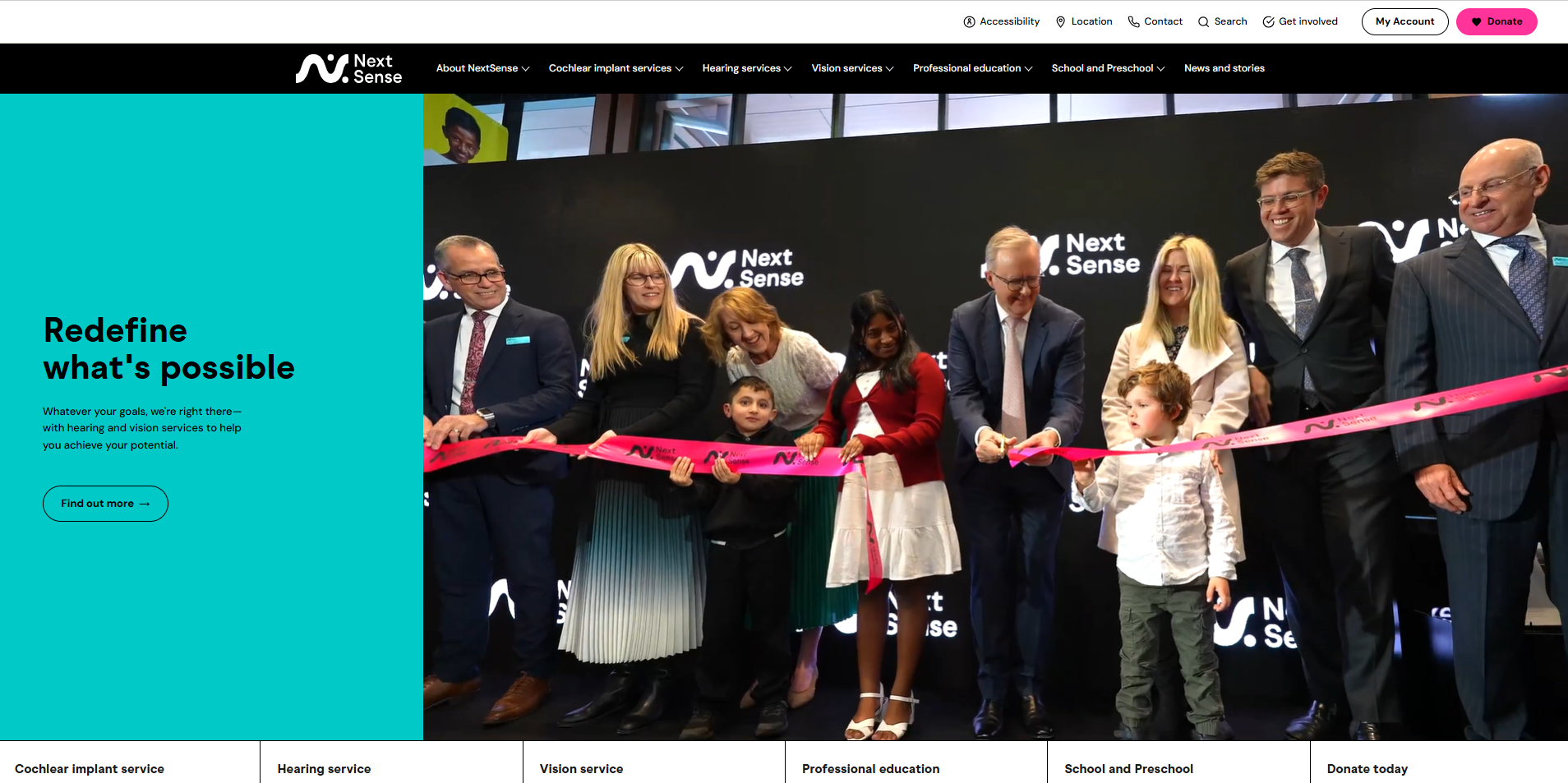
NextSense delivers cochlear implant, hearing and vision services alongside professional education for clinicians — the platform this project rebuilt sits behind their public site.
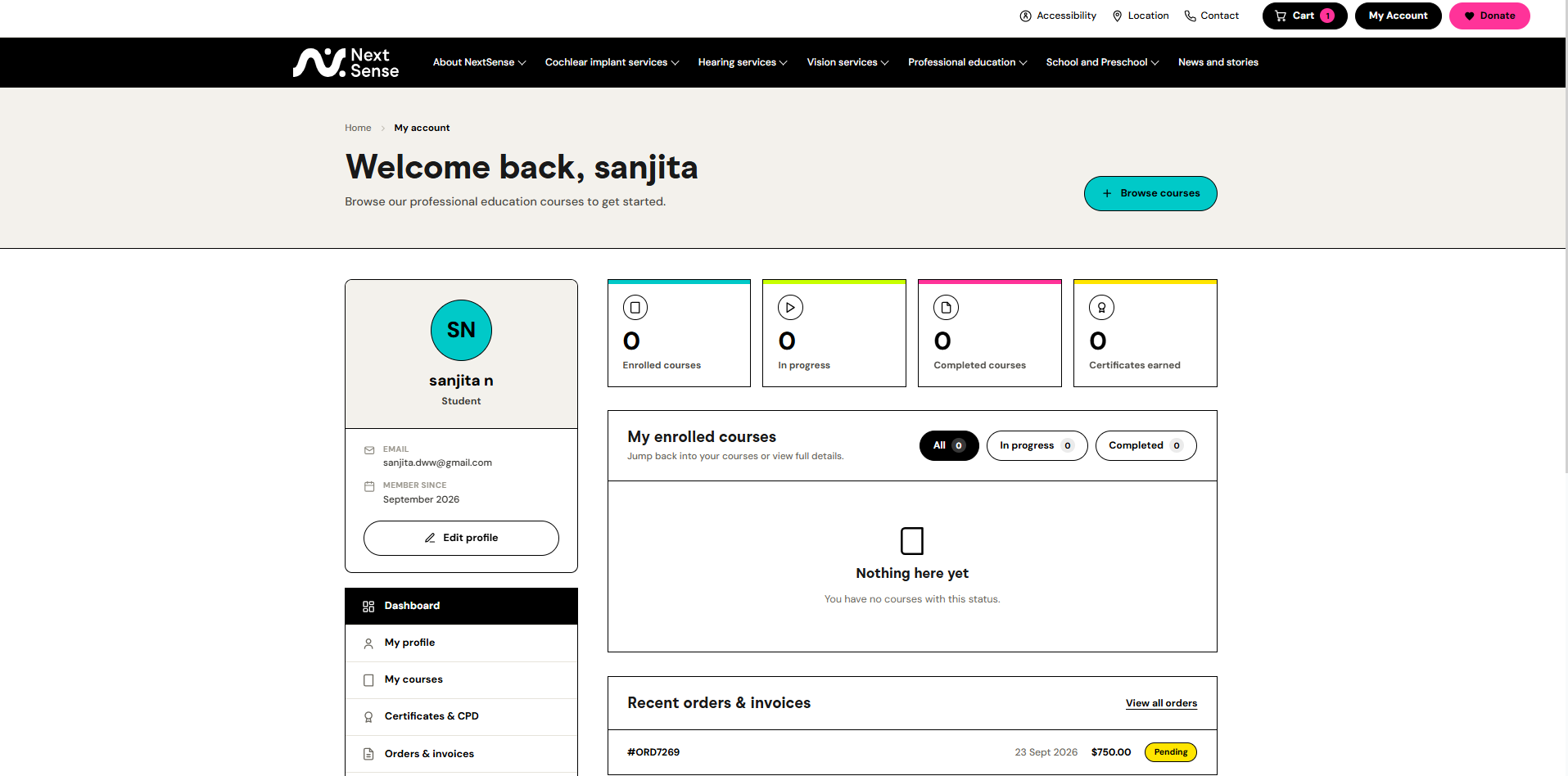
The rebuilt student account dashboard — one of the areas covered by the full QA sweep across the entire student journey.
1. Design-to-code, with an architecture that survives contact with real content
The static mockups styled each page independently, which meant a shared component (navigation, footer, modals) could look perfect on the one page it was designed against and break silently on every other page that reused it. I established a standing rule — every shared component owns its own complete styling rather than inheriting from a specific page's CSS block — and rebuilt the shared layout components against it. This class of bug came up repeatedly early on; fixing the architecture instead of each individual symptom stopped it from recurring.
2. Systematic QA over spot-checking
Rather than testing pages one at a time as they were built, I ran full Playwright-driven sweeps across the entire student journey and the entire admin panel — every page, checking for console errors, failed network requests, broken images, and dead links. This surfaced real, previously-invisible issues, including:
- A session-state bug where a logged-in user could still be sent to the login page from the account menu.
- Course listings silently falling back to a placeholder image instead of showing the real thumbnail.
- A navigation dropdown rendering behind page content on one specific dashboard, caused by a legacy CSS rule from years earlier.
- Two "add material" admin workflows whose file-upload feature was completely non-functional in production — the API route had drifted out of sync with a method rename.
Each fix was verified by reproducing the actual user flow, not just by reading the code that changed.
3. Performance and reliability under real data volume
One admin report — a purchase/order listing — was crashing with an opaque server error. I traced it to a query that eagerly loaded several nested relationships across the full table with no upper bound, which worked fine in development and exhausted PHP's memory limit against production-scale data. After fixing it, I used the same diagnostic pattern to proactively check the rest of the codebase and found four more queries with the identical latent issue — fixed before they had the chance to fail the same way in front of a user.
4. Turning "it feels broken" into a concrete fix
Users reported that actions like checkout and course registration "felt like nothing was happening," even though they were working correctly underneath. I audited every async action across the application and found the pattern: most gave no visual feedback beyond a barely-noticeable text change while a network request was in flight, so a normal 1–2 second wait read as a frozen page. I added consistent loading-state feedback across every one of these actions, closing a real trust gap without touching the underlying visual design.
5. A full security and data-integrity audit of the admin backend
Before treating the admin system as trustworthy infrastructure, I ran a systematic audit covering authentication coverage, credential handling, file-upload safety, data-referential integrity, and dead/duplicate code — verifying every finding against the running system rather than relying on a read-through alone. This surfaced issues across a full range of severity, from immediately fixable (hardcoded credentials in source, a debug statement left live in a production code path, PII-bearing log files about to be committed to version control) to structural (authentication coverage gaps needing a coordinated, planned fix).
I fixed every issue that was safe to resolve immediately and produced a written, prioritized report for the rest — distinguishing clearly between "broken and needs fixing," "a real risk that needs a proper plan," and "fine to leave for now" — so the client has an honest, actionable picture rather than either false confidence or an unusable wall of findings.
Tech stack
| Layer | Technologies |
|---|---|
| Frontend | Vue 3, Vue Router 4, Pinia, Bootstrap 5, SCSS |
| Backend | Laravel 10, MySQL, Laravel Sanctum |
| Admin tooling | jQuery DataTables (Bootstrap 5 integration) |
| Testing & QA | Playwright — automated browser testing, network/console auditing, visual verification |
| Practices | Component-driven architecture, systematic audits over spot-fixes, written technical documentation |
Outcomes
- A public course platform rebuilt from static design to a fully functional Vue application, with a documented component architecture to prevent the class of cross-page styling bug that would otherwise keep resurfacing.
- A dozen-plus concrete, previously-invisible bugs found and fixed across the full user journey — session handling, broken images, dead links, and a stacking-context bug affecting every page in the application.
- A production-crashing performance bug diagnosed to root cause and fixed, plus four latent instances of the same issue caught and resolved before they could fail the same way.
- Two admin workflows' file-upload features restored from silently non-functional to working.
- A consistent loading-state pattern applied across every async action, closing a real, user-reported "feels broken" trust gap.
- A full security and data-integrity audit of the admin backend, with immediate fixes applied to every safe-to-fix issue and a clear, prioritized, written remediation plan for the rest.
The common thread across this engagement was replacing assumptions with verification: instead of trusting that a component "should" look right on every page, checking it on every page; instead of guessing why a report crashed, reproducing it and reading the actual failure; instead of describing a security posture in the abstract, testing it against the running system and reporting exactly what was found.
$ ./contact --start-project
Need someone to make sure it's actually production-ready?
Design-to-code, full-journey QA, or a security and data-integrity audit of a system you already have — this is the standard we hold the work to, regardless of project size.